
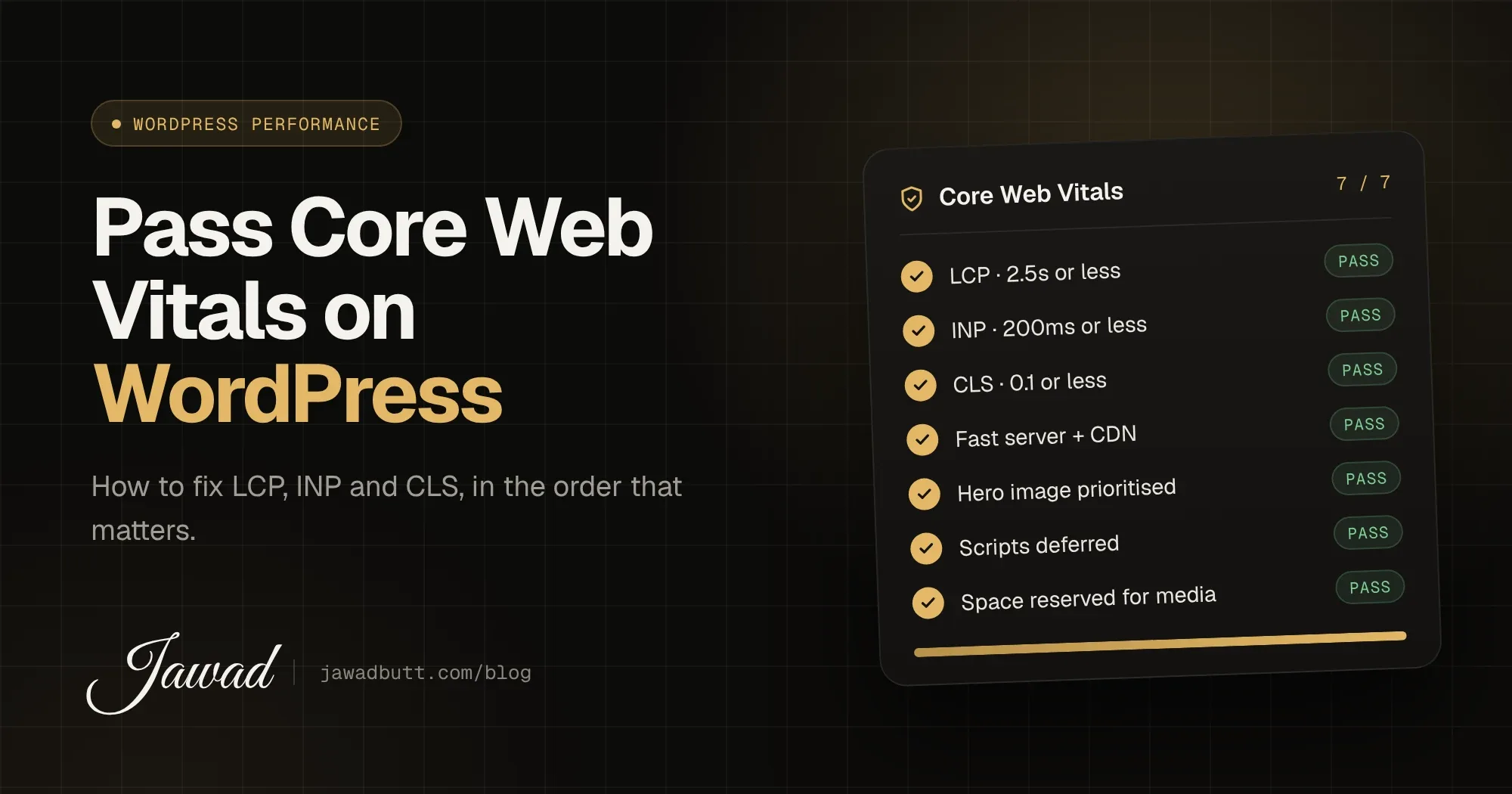
Short answer: to pass Core Web Vitals on WordPress, your pages need a Largest Contentful Paint (LCP) of 2.5 seconds or less, an Interaction to Next Paint (INP) of 200 milliseconds or less and a Cumulative Layout Shift (CLS) of 0.1 or less, measured on real visitors. On most WordPress sites, that comes down to four things: a fast server, a properly loaded hero image, less JavaScript and reserved space for everything that loads late.
I fix WordPress performance for agencies every month, and the same problems come up again and again. This guide explains what each metric means, what usually breaks it on WordPress and how to fix it, in the order I’d tackle it on a client site.
What are Core Web Vitals?
Core Web Vitals are three metrics Google uses to measure real-world page experience: loading speed, responsiveness and visual stability. Google uses them as part of its page experience signals in search, and they’re a reasonable proxy for whether a site feels fast to the people using it.
LCP (Largest Contentful Paint): how long it takes for the biggest visible element, usually a hero image or headline, to appear. Good is 2.5 seconds or less.
INP (Interaction to Next Paint): how quickly the page responds after someone clicks, taps or types. Good is 200 milliseconds or less. INP replaced First Input Delay (FID) as a Core Web Vital in March 2024.
CLS (Cumulative Layout Shift): how much the layout jumps around while the page loads. Good is 0.1 or less.
A page passes when at least 75% of real visits meet the “good” threshold for all three. You can read Google’s full definitions on web.dev.
Lab data vs field data: which one counts?
PageSpeed Insights shows two sets of numbers. The top section, “Discover what your real users are experiencing”, is field data from the Chrome User Experience Report. That’s what Google uses. The Lighthouse score underneath is a lab test on a simulated device. It’s useful for finding problems, but a 100 Lighthouse score doesn’t guarantee you pass in the field, and a lower score doesn’t mean you fail.
New or low-traffic sites often have no field data yet. In that case, use Lighthouse and Chrome DevTools to fix what you can, and check Search Console’s Core Web Vitals report once enough visits come in.
How to fix LCP on WordPress
LCP is the metric WordPress sites fail most often. The usual causes are slow server response, an unoptimised hero image and render-blocking CSS and JavaScript.
1. Get the server response under control
If the server takes a second to respond, you’ve already used 40% of your LCP budget. Use hosting with a current PHP version and server-level page caching, and put a CDN in front of the site. On WooCommerce or membership sites, make sure logged-out pages are still cached.
2. Load the hero image properly
Serve it in WebP or AVIF at the size it’s actually displayed, with
srcsetfor smaller screensNever lazy-load the LCP image. WordPress lazy-loads images by default, and some themes and plugins apply it to the hero too
Add
fetchpriority="high"to the hero image so the browser downloads it firstAvoid hero sliders. They usually load several large images and a slider script before anything useful appears
3. Remove render-blocking CSS and JavaScript
Every stylesheet and script in the <head> delays the first paint. Defer non-critical scripts, load plugin assets only on the pages that use them, and self-host fonts with font-display: swap instead of loading them from a third party.
How to fix INP on WordPress
INP problems come from JavaScript keeping the browser’s main thread busy, so it can’t respond when someone taps a button or opens a menu.
Audit third-party scripts. Chat widgets, heatmaps, ad tags and multiple analytics tools are the most common culprits. Remove what nobody uses and delay the rest until after interaction
Cut plugin bloat. Each plugin can add its own scripts to every page. Fewer, better-built plugins usually means better INP
Watch page builders. Heavy builders ship large amounts of JavaScript for animations and widgets. Disable features you don’t use
Keep the DOM small. Deeply nested layouts and thousands of elements make every interaction slower to render
How to fix CLS on WordPress
CLS is usually the easiest metric to fix because the causes are predictable.
Set width and height attributes on every image and video so the browser reserves space
Reserve space for ads, embeds and cookie banners instead of letting them push content down
Preload your main web font and use a fallback font with similar sizing
Don’t inject banners or notices above existing content after the page loads
Do caching and optimisation plugins fix Core Web Vitals?
They help, but they don’t fix a badly built site. A caching plugin can improve server response and minify files, but it can’t remove a 2 MB hero image, a heavy page builder or ten third-party scripts. Use one well-configured performance plugin, not three that overlap, and test after every change.
A Core Web Vitals checklist for WordPress
Hosting with server caching, a current PHP version and a CDN
Hero image in WebP or AVIF, correctly sized, not lazy-loaded, with high fetch priority
Non-critical JavaScript deferred and unused plugin assets removed
Third-party scripts audited and delayed
Fonts self-hosted and preloaded
Width and height set on all media, with space reserved for embeds and banners
Field data monitored in Search Console after launch
FAQs
What is a good Core Web Vitals score for WordPress?
LCP of 2.5 seconds or less, INP of 200 milliseconds or less and CLS of 0.1 or less, for at least 75% of real page visits. These thresholds are the same for every site, whatever platform it’s built on.
Why does my site score well in PageSpeed Insights but fail Core Web Vitals?
The score is a lab test on one simulated device. Core Web Vitals use field data from real visitors on real phones and networks. Slow mobile devices, third-party scripts and logged-in sessions often show up in field data but not in a lab test.
Does Elementor hurt Core Web Vitals?
It can. Page builders add extra CSS, JavaScript and markup, which affects LCP and INP. A well-configured builder site can pass, but it takes more work than a lightweight block theme or a custom theme.
How long does it take for Core Web Vitals improvements to show in Search Console?
Field data is based on a rolling 28-day window, so improvements usually take around four weeks to fully appear in Search Console.
If your agency has client sites failing Core Web Vitals, get in touch. I can audit one and show you exactly what’s slowing it down. And if you’re reviewing speed, it’s worth checking why WordPress sites get hacked at the same time, since outdated plugins hurt both.