When a client’s WordPress site gets hacked, the first call usually goes to the agency that built it. It doesn’t matter whether the problem started with a plugin the client installed last month or a password they shared with a freelancer two years ago. Your name is on the project, so it becomes your problem.
The good news is that most WordPress hacks aren’t clever. They aren’t targeted attacks by someone who picked your client out of a crowd. They’re automated bots scanning thousands of sites a day for the same handful of weak spots. Close those, and you’ve removed most of the risk before launch.
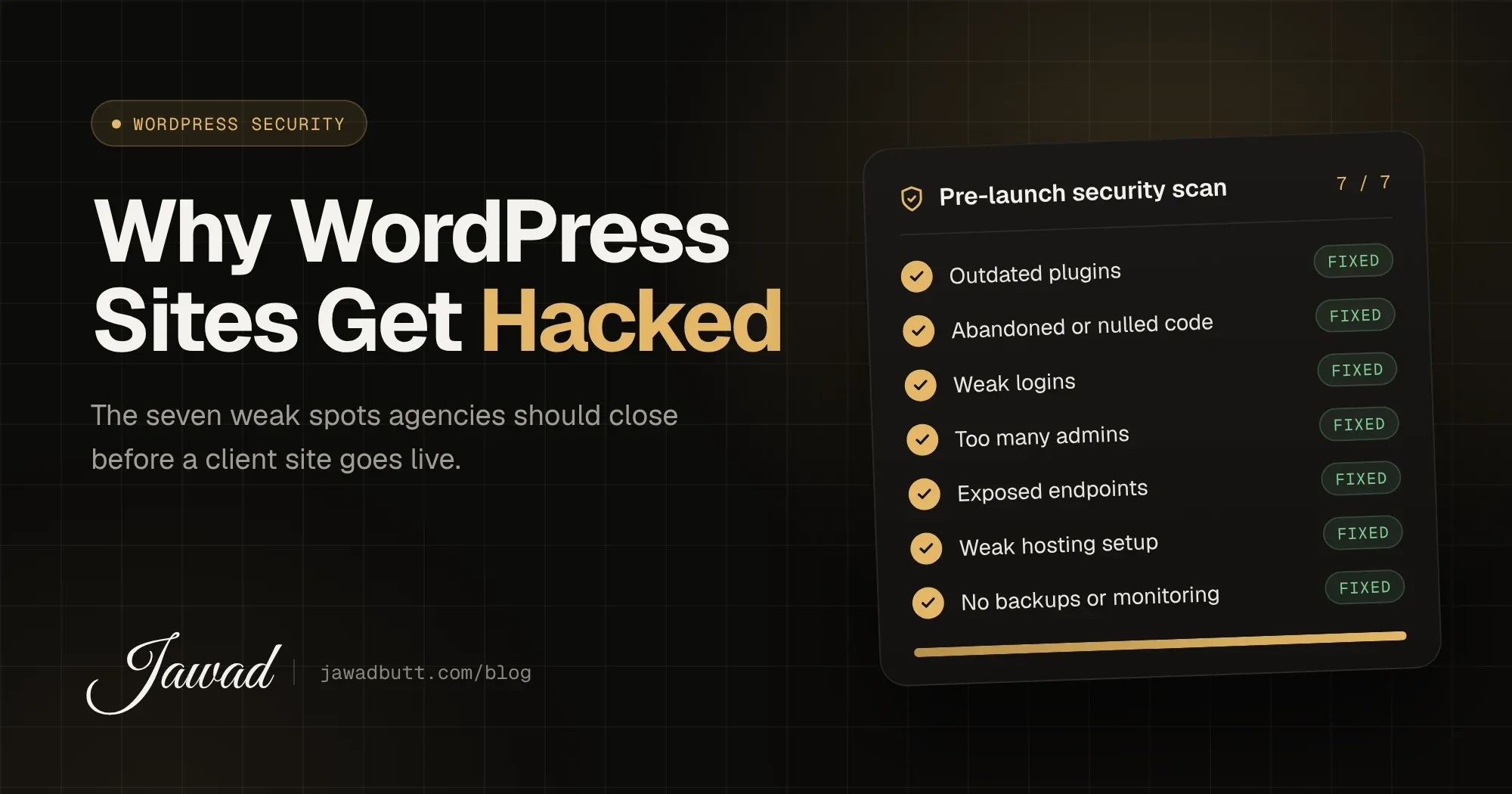
Here are the seven reasons WordPress sites get hacked, and what to do about each one.
1. Outdated plugins and themes
WordPress core is well maintained and patched quickly. The large majority of WordPress vulnerabilities disclosed each year are found in plugins and themes, not core. When a fix is released, the details of the vulnerability often become public too, and bots start scanning for sites that haven’t updated.
What to do:
Keep core, plugins and themes updated on a regular schedule, not “when someone remembers”
Test updates on a staging copy first, so an update doesn’t break the live site
Delete plugins and themes that aren’t used. Deactivated code can still be exploited
2. Abandoned or nulled plugins
Some plugins stop receiving updates because the developer moved on. Others are “nulled”: premium plugins downloaded free from unofficial sites. Abandoned plugins never get security fixes. Nulled ones often arrive with a backdoor already inside.
Before installing anything, check when it was last updated, how many active installs it has and whether the developer responds to support requests. Premium plugins should always be bought from the original developer, under the agency’s or client’s licence.
3. Weak logins
Bots try common usernames and leaked passwords against wp-login.php around the clock. A site with an “admin” username and a reused password is an easy win for them.
Every build should include:
Unique, strong passwords stored in a password manager
Two-factor authentication for every account that can publish or manage the site
Login rate-limiting so repeated failed attempts get blocked
No account called “admin”
4. Too many administrators
On a lot of client sites, everyone is an administrator: the client, their marketing assistant, the SEO contractor and a developer who left the project years ago. Each of those accounts is a way in, and an administrator account can install code.
Give people the lowest role that lets them do their job. Most content editors only need the Editor or Author role. Remove accounts as soon as someone leaves the project, and review the user list every few months.
5. Exposed endpoints nobody uses
WordPress ships with features that many sites never need. XML-RPC is the classic example: it allows remote publishing, but it’s also used for brute-force and amplification attacks. The REST API can also reveal usernames if it isn’t configured carefully.
Disable XML-RPC if the site doesn’t rely on it, hide user enumeration through the REST API and author archives, and turn off file editing in the dashboard with DISALLOW_FILE_EDIT so a compromised account can’t edit theme files directly.
6. Weak hosting and server setup
A well-built site on a poorly configured server is still exposed. Cheap shared hosting, outdated PHP versions and loose file permissions all make an attacker’s job easier, and on shared servers one compromised site can affect its neighbours.
Check that:
The server runs a supported PHP version
SSL is active and HTTP redirects to HTTPS
File permissions are correct and
wp-config.phpisn’t publicly readableDatabase credentials, API keys and salts are unique and kept out of the codebase
7. No backups and no monitoring
This one doesn’t cause a hack, but it decides how bad a hack becomes. Without backups, recovery means rebuilding. Without monitoring, a site can quietly serve spam links or redirect visitors for weeks before anyone notices, usually when Google flags it.
Set up automatic off-site backups and test that they actually restore. Add uptime monitoring and file-change alerts, so you hear about a problem before your client does.
A quick pre-launch security pass
Before any client site goes live, run through this list:
Core, plugins and themes updated, unused ones removed
No nulled or abandoned plugins
Strong passwords, two-factor authentication and login rate-limiting
Correct user roles, with no shared or leftover admin accounts
XML-RPC and dashboard file editing disabled where not needed
Supported PHP version, HTTPS everywhere and correct file permissions
Automatic, tested backups and active monitoring
Who owns security after launch?
Most hacks happen months after launch, not on launch day. Plugins fall behind, new users get added and nobody is watching. That’s why security works best as an ongoing service rather than a one-off task, whether you handle it in-house or through a monthly care plan with your developer.
For agencies, it’s also an easy conversation to have with clients. A maintenance retainer that covers updates, backups and monitoring protects the client’s site and your reputation at the same time.
If you’d like a security-first WordPress partner behind your agency’s builds, get in touch. I’m happy to review one of your current client sites and show you what I’d fix first.